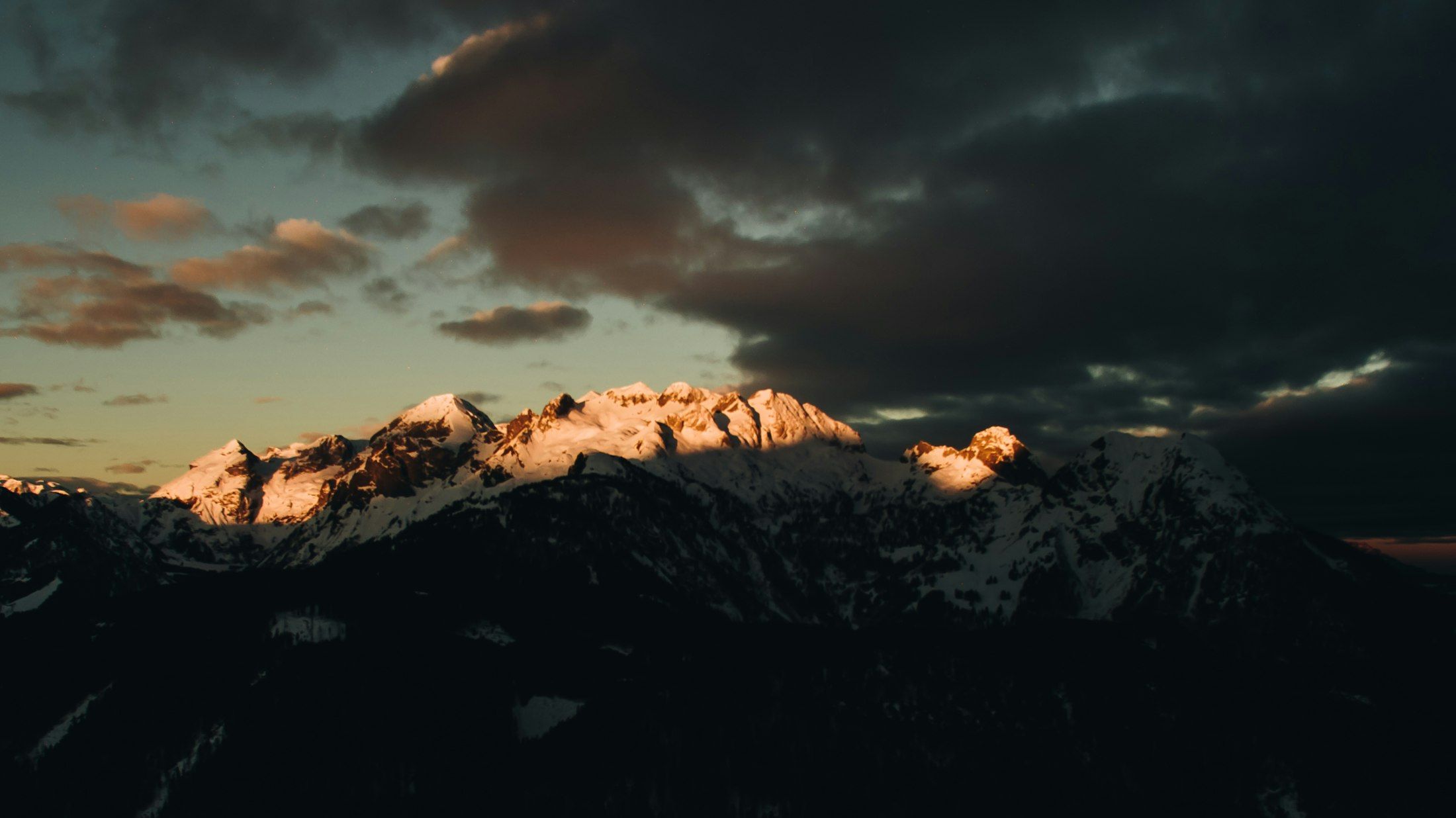
Snow-covered peaks in the last evening light under dark clouds
Preview · version 0.3 · Android 8.1 and newer

A photo editor with layers for Android tablets

photographics opens PSD, TIFF and GIMP files with all their layers and saves them the same way. You retouch with the pen, and colour profiles are kept. Free, open source and no account needed.

Photo: Benjamin Voros / Unsplash
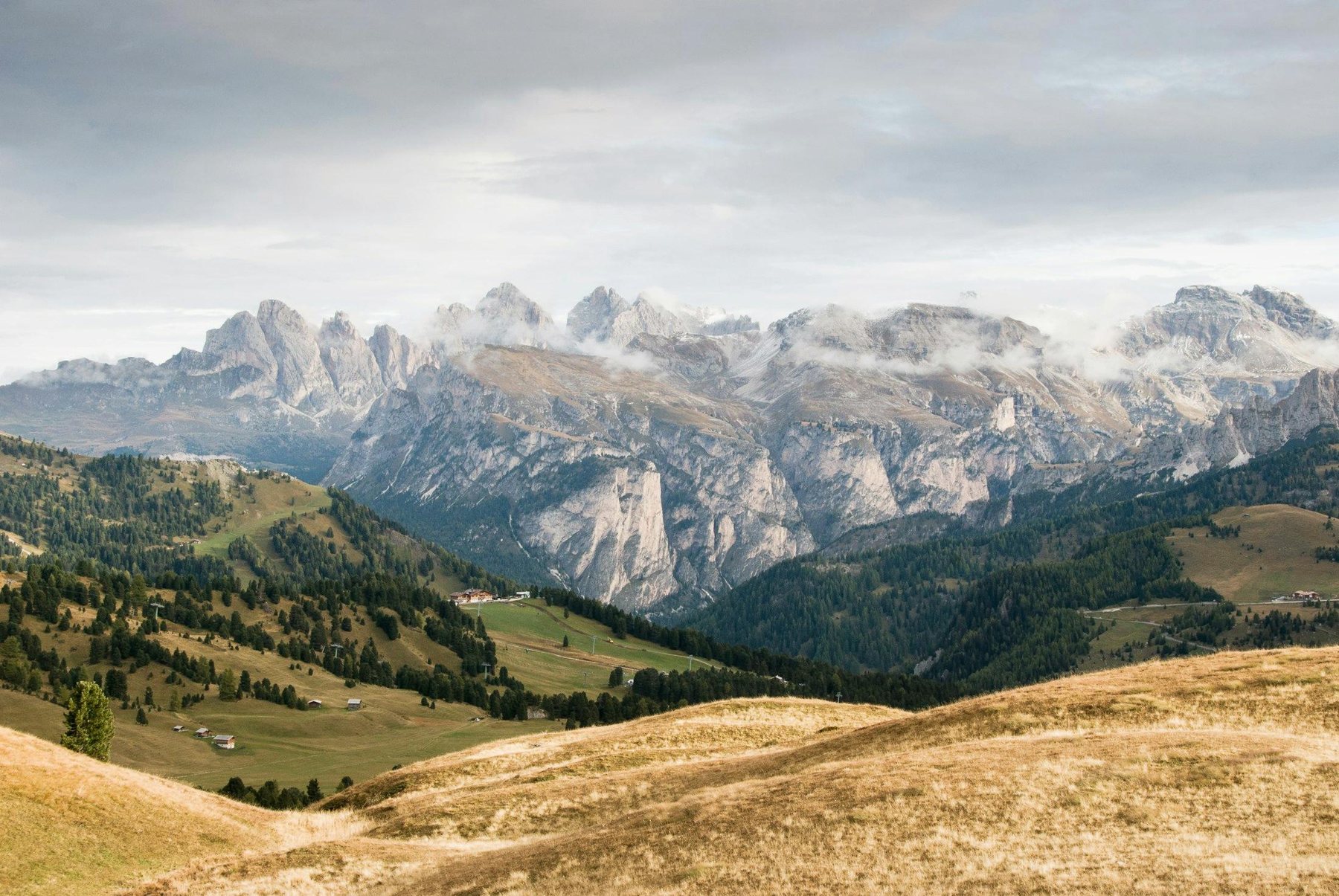
Finished landscape photo of the Dolomites with a darkened sky and warmer colours
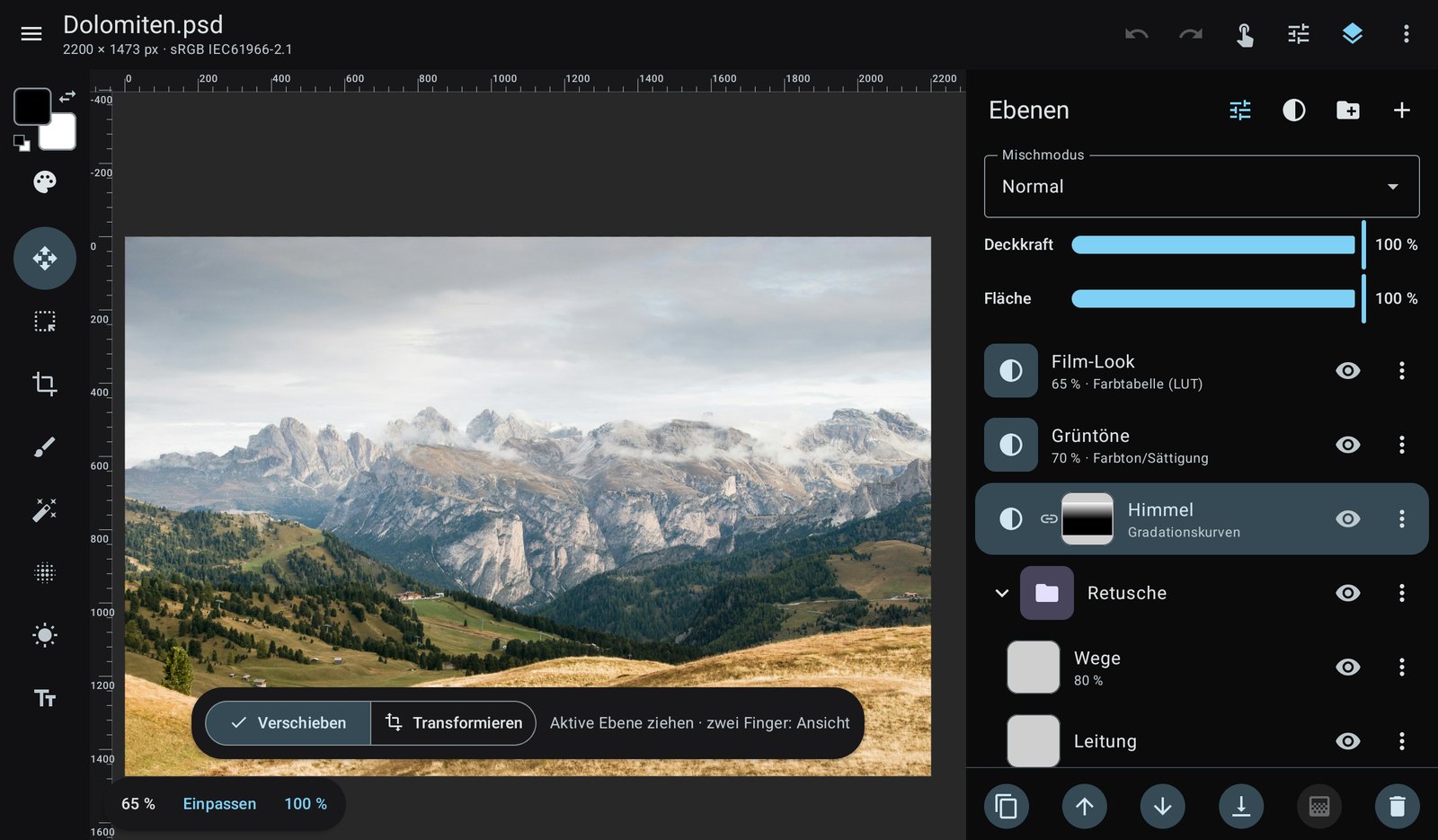
The same image in photographics with the layers panel: film look, hue/saturation, curves with a mask and a retouching group
The finished image and its layer stack. Photo: Janine Joles / Unsplash

Layers and masks

Tools on the left, layers on the right, the image in the middle. Adjustments sit on their own layers above the photo and stay editable until the end; masks limit them to parts of the image.

  • Pixel, text and smart object layers, groups
  • 12 adjustment layers, including per-channel curves with histogram, levels, colour balance and black & white
  • All 27 Photoshop blend modes
  • Layer masks and clipping masks; Photoshop layer effects are rendered
  • Transform with skew, distort and perspective, lossless as a smart object
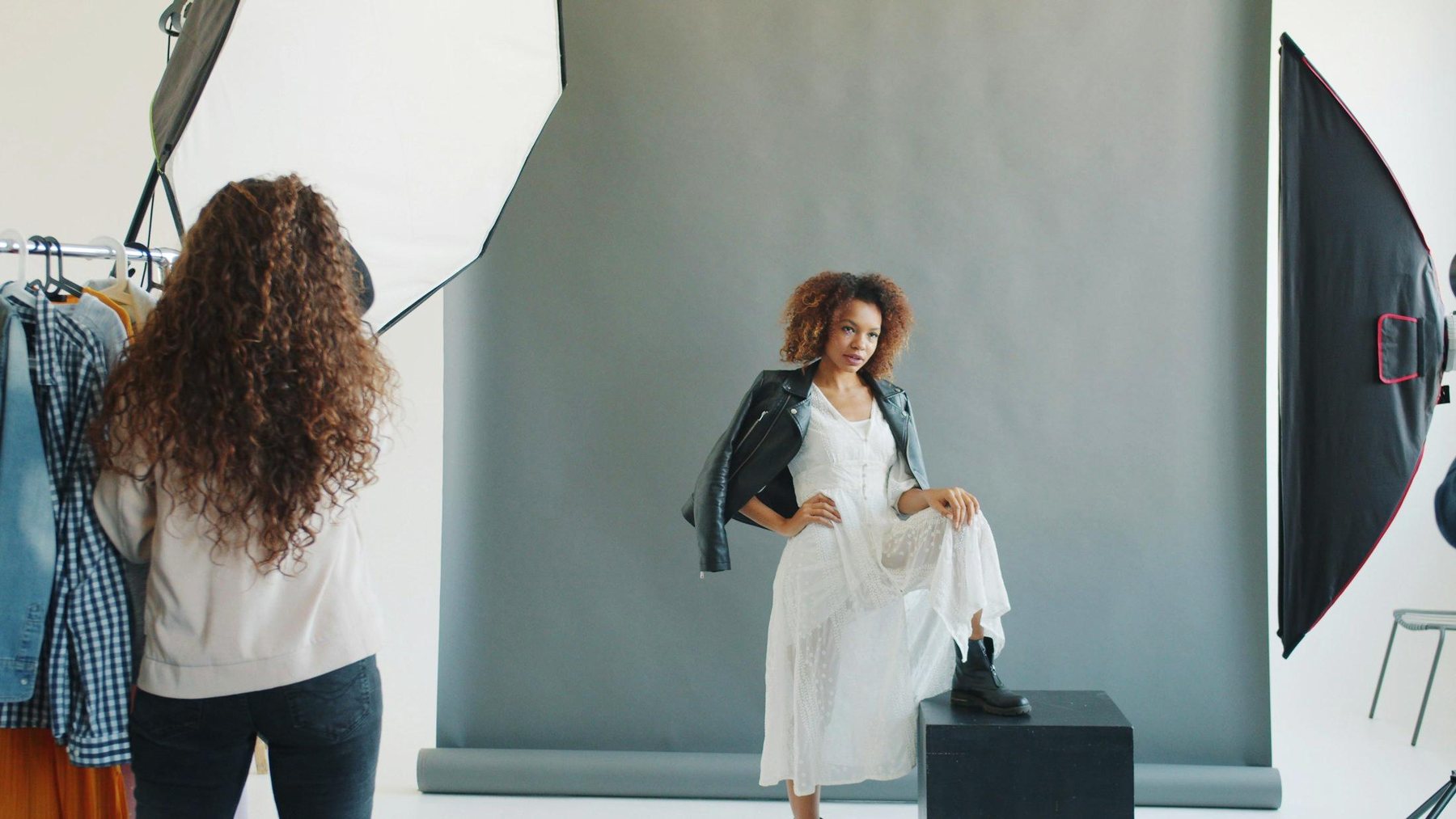
Finished studio photo of a woman in a white dress in front of a grey backdrop
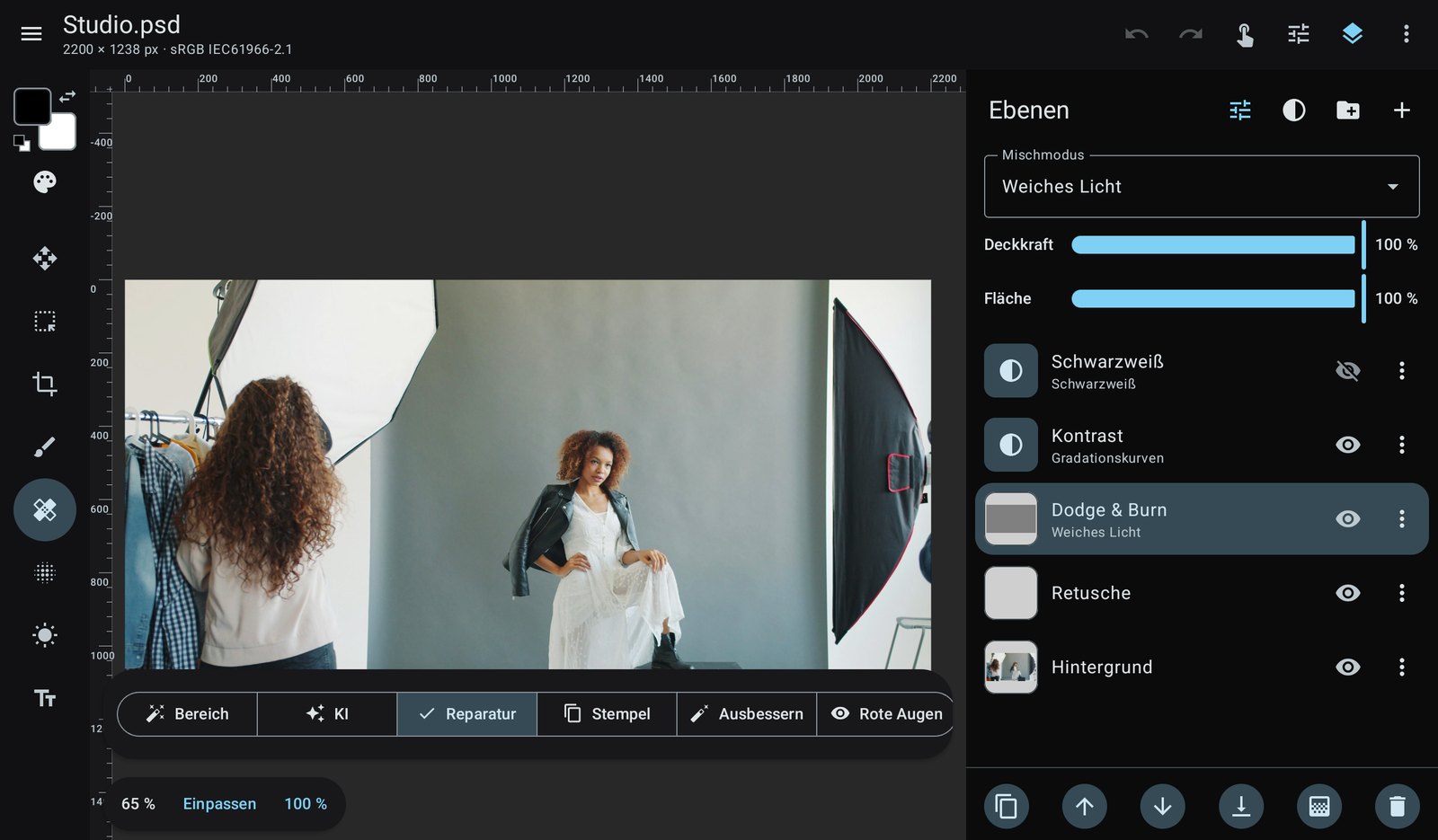
The same photo in photographics with the retouching tools and a dodge and burn layer
Retouching tools and dodge & burn in soft light mode. Photo: Vitaly Gariev / Unsplash

Retouching with the pen

Pen pressure controls size, opacity and flow. Your hand can rest on the display without painting. Two fingers zoom, and a short two-finger tap undoes the last step.

  • Spot healing, healing brush, patch, clone stamp and content-aware fill
  • Dodge, burn, sponge, smudge and liquify
  • Brushes with custom tips, scattering and smoothing
  • Retouch on an empty layer and leave the original untouched
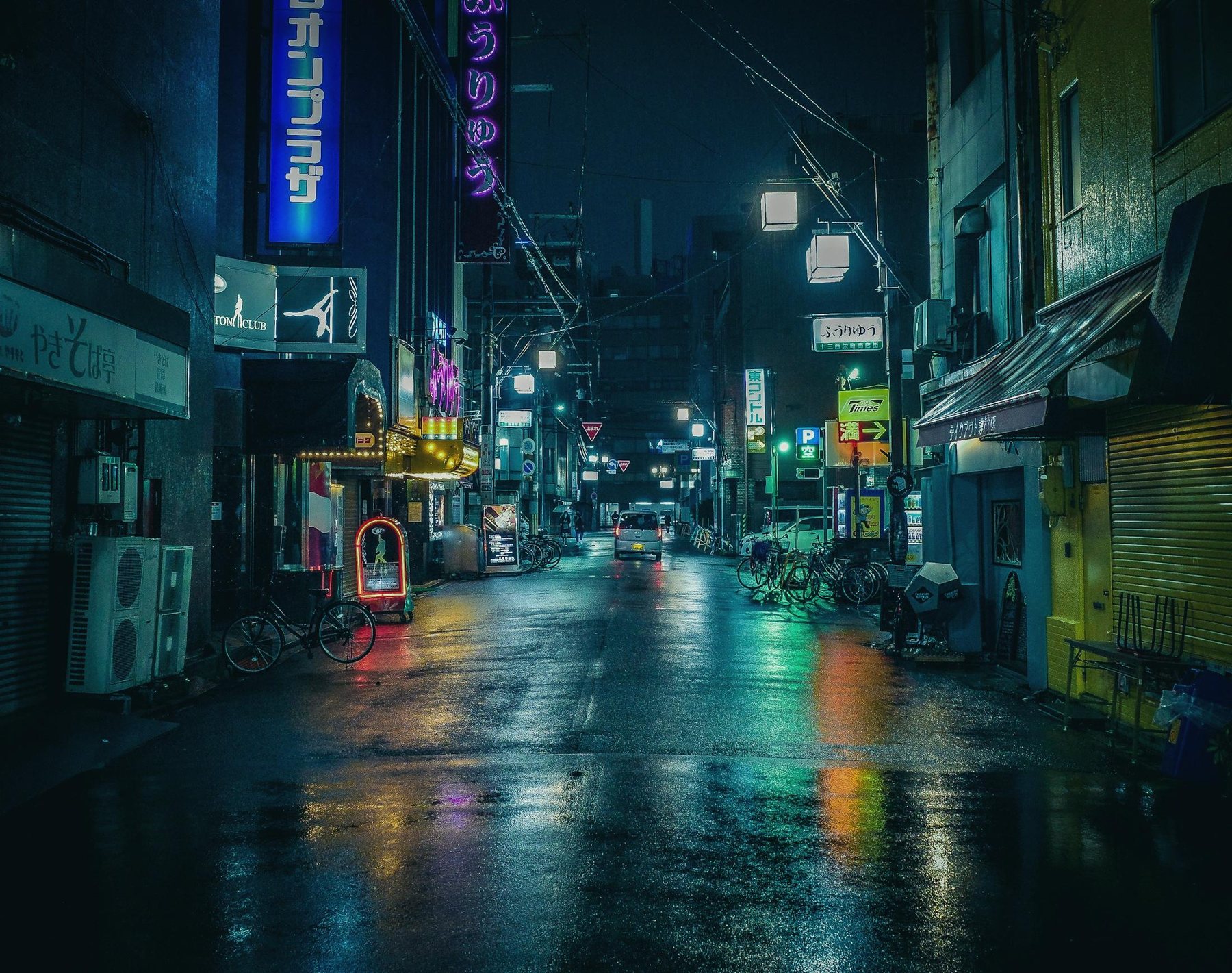
Finished night photo of a wet street in Osaka with neon signs
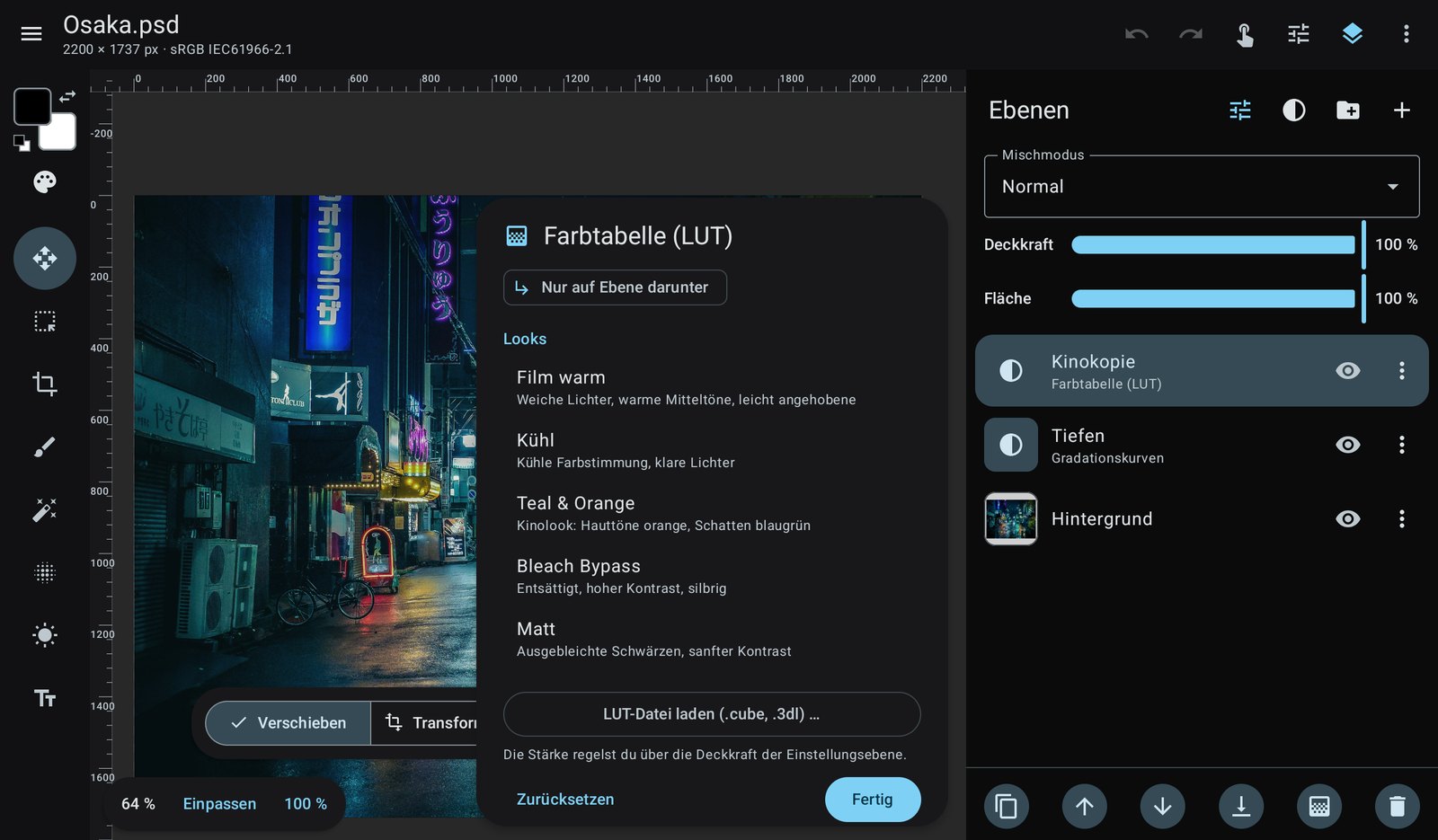
The same photo in photographics with the colour lookup selection open
The look “Kinokopie” (print film) as a colour lookup layer. Photo: Masahiro Miyagi / Unsplash

Colour management and looks

Every document keeps its colour profile. Before printing, the soft proof shows how the image will look with your print shop's profile and marks colours that are out of gamut.

  • sRGB, Display P3, Adobe RGB, ProPhoto and your own ICC profiles
  • Assign or convert profiles with all four rendering intents
  • Colour lookup tables in .cube and .3dl format, export your own adjustments as .cube
  • 15 film looks, from slide film to black-and-white infrared
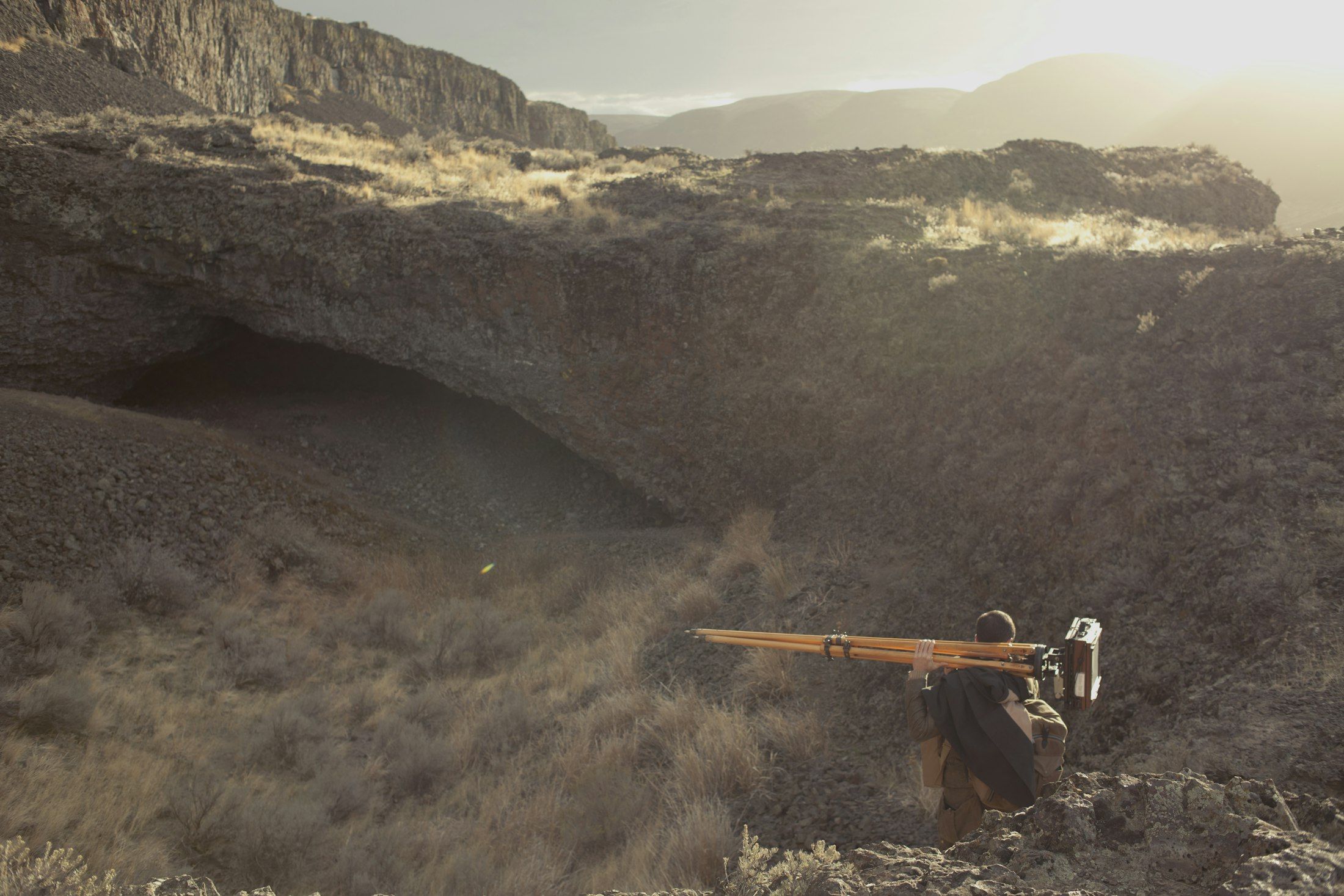
A photographer carries a large format camera on a tripod across a rocky plateau
Photo: Nick Bolton / Unsplash

The same file, on the road and at the desk

A PSD from the studio opens on the tablet with its layers, masks, groups and adjustment layers. Whatever photographics cannot display yet, layer effects for example, stays in the file and is written back unchanged when you save.

Open
PSD and PSB, TIFF, GIMP (XCF), PNG, JPEG, WebP and HEIF
Save
PSD, TIFF and XCF with all layers
Export
PNG and JPEG, with colour profile or converted to sRGB
Bit depth
Reads 8, 16 and 32 bit, edits internally with 8 bit

Also included

On-device AI

Remove objects and upscale images up to 4×. The models are downloaded only when you ask for them and run offline.

Cropping

Aspect ratios, target size in cm or inches, straighten and perspective crop.

Guides

Rulers, guide layouts and smart guides, kept in PSD and XCF files.

Swatches

Load and save swatches from Photoshop, Illustrator and GIMP (.aco, .ase, .gpl).

Keyboard and mouse

With a keyboard cover, a Chromebook or Samsung DeX, the familiar Photoshop shortcuts work.

Large files

Image data lives outside the app memory limit, filters run on all cores, and moving and transforming run on the GPU.

Selections

Magic wand, object selection with a box, and lasso. The move tool can pick the layer you tap.

Gradients

Linear, radial and reflected, on layers or straight into masks, for example as a graduated filter for the sky.

English and German

The interface follows the system language and can be switched in the settings.

Roadmap

What is planned next. The order may change and there are no fixed dates. Suggestions are welcome. New in 0.3: GPU preview, layer effects, English interface, liquify, gradients, magic wand, object selection and per-channel curves.

Next

  • Autosave and recovery after crashes
  • Custom fonts (TTF, OTF)
  • History with snapshots
  • Select subject and sky with on-device AI, refine edges for hair

After that

  • Frequency separation as a retouching helper
  • Editing and creating layer effects
  • Batch export in several sizes and formats
  • Pen tool and paths

Later

  • 16-bit editing
  • CMYK documents and CMYK export
  • Display colour management
  • Full compositing on the GPU
  • Versions for Linux (GNOME) and iPad

Download photographics

The app is available as an APK on GitHub. For almost all current tablets and phones, the arm64 version is the right one.

Android 8.1 or newer. A tablet with a pen is recommended. The interface is currently in German; an English version is in progress.

An early preview

photographics is at an early stage. A lot already works, some things are missing or will still change. Please keep a backup of important files.

Feedback and bug reports help a lot. Anyone who wants to help develop, translate or support the project in another way is very welcome.

info@andreasbartelmess.de